















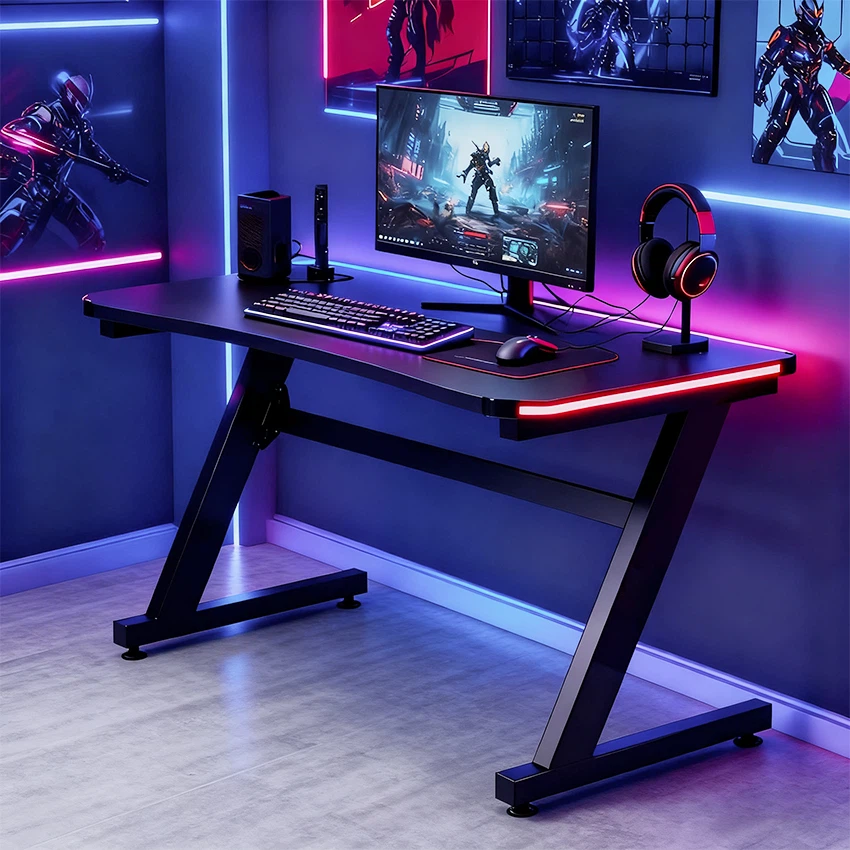




Cleaning the RGB lighting on a gaming desk is not only a matter of aesthetics but also crucial for maintaining the functionality and longevity of your setup. As a gaming desk supplier, I understand the importance of keeping these lighting elements in top - notch condition. In this blog, I'll share some effective methods to clean your gaming desk's RGB lighting.
Why Cleaning RGB Lighting Matters
RGB lighting adds a vibrant and immersive experience to your gaming space. However, over time, dust, dirt, and fingerprints can accumulate on the lighting strips, diffusers, and connectors. This not only dulls the brightness and color accuracy of the lights but can also lead to electrical issues. For example, dust buildup can cause overheating, which may damage the LEDs or other components of the lighting system.
Pre - Cleaning Preparations
Before you start cleaning, it's essential to take some precautions. First, turn off the power supply to the RGB lighting. This prevents any electrical shock and ensures your safety during the cleaning process. You can usually do this by unplugging the lighting controller from the power source or turning off the relevant switch on your desk.
Next, gather the necessary cleaning supplies. You'll need a soft microfiber cloth, which is gentle enough not to scratch the lighting components. A can of compressed air is also useful for removing dust from hard - to - reach areas. If there are stubborn stains, you can prepare a mild cleaning solution. Mix a small amount of dish soap with water in a spray bottle. Make sure the solution is well - diluted to avoid any damage to the lighting.
Cleaning the RGB Lighting Strips
The lighting strips are the most visible part of the RGB setup. Start by using the compressed air to blow away any loose dust from the strips. Hold the can about 6 - 8 inches away from the strips and spray in short bursts. This will dislodge dust particles that have settled on the surface and in the gaps between the LEDs.
If there are fingerprints or smudges on the strips, dampen the microfiber cloth with the mild cleaning solution. Gently wipe the strips in a straight motion, following the direction of the strip. Avoid applying too much pressure, as this could damage the LEDs or the adhesive that holds the strip in place. After wiping, use a dry part of the cloth to remove any remaining moisture.
Cleaning the Lighting Diffusers
Diffusers are used to spread the light evenly and create a more aesthetically pleasing effect. Over time, they can become dirty and reduce the quality of the light. To clean the diffusers, remove them from the desk if possible. If they are attached with clips or screws, carefully detach them following the manufacturer's instructions.
Use the compressed air to blow away dust from the diffuser. Then, soak the diffuser in a sink filled with warm, soapy water. Let it soak for a few minutes to loosen any dirt. Gently scrub the diffuser with a soft brush or sponge. Rinse it thoroughly under running water to remove all the soap. Pat it dry with a clean microfiber cloth before re - installing it.
Cleaning the Lighting Connectors
The connectors are responsible for transmitting power and signals to the RGB lighting. Dust and debris can accumulate on the connectors, causing poor connections and flickering lights. Use the compressed air to clean the connectors. Make sure to blow into all the small openings to remove any dust.
If there is corrosion on the connectors, you can use a small amount of isopropyl alcohol on a cotton swab. Gently rub the swab on the connectors to remove the corrosion. Be careful not to get any alcohol on the surrounding components. After cleaning, let the connectors dry completely before reconnecting them.
Maintaining RGB Lighting
Regular maintenance is key to keeping your RGB lighting in good condition. In addition to cleaning, you should also check the connections periodically to ensure they are secure. If you notice any loose connections, tighten them immediately.
It's also a good idea to avoid exposing the RGB lighting to extreme temperatures or humidity. High temperatures can cause the LEDs to overheat and shorten their lifespan, while high humidity can lead to corrosion.
Related Products
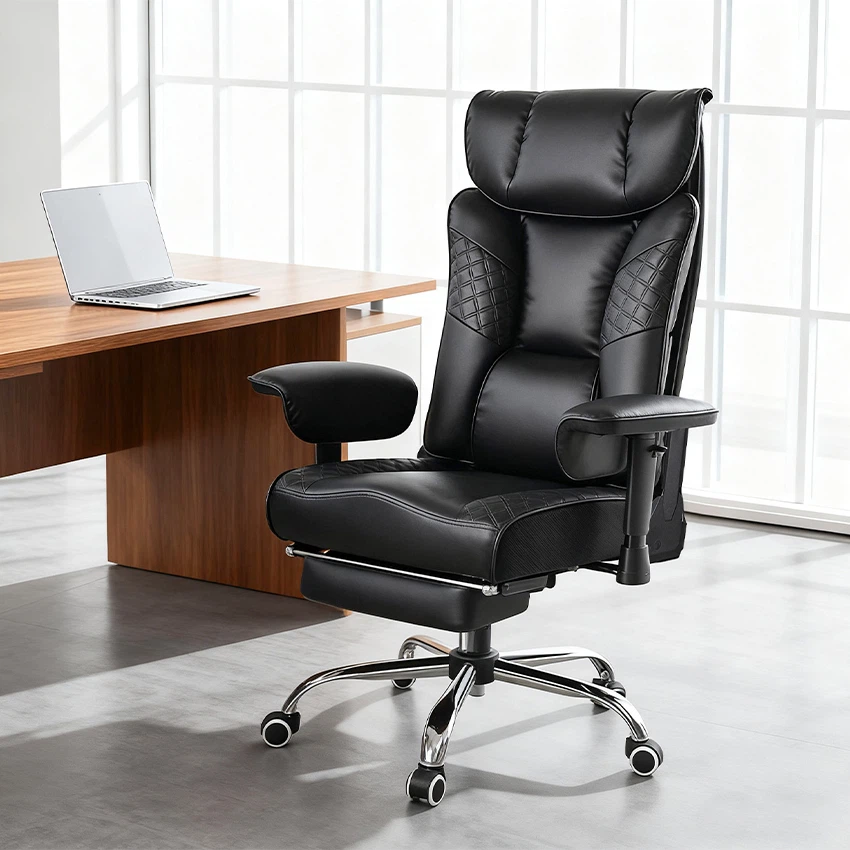
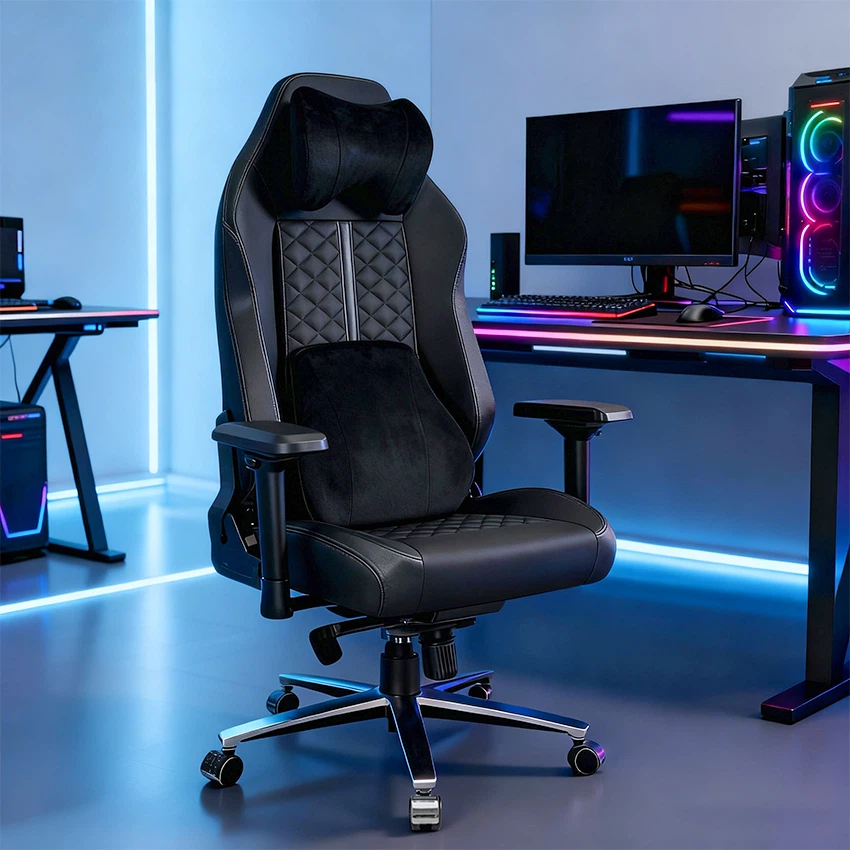
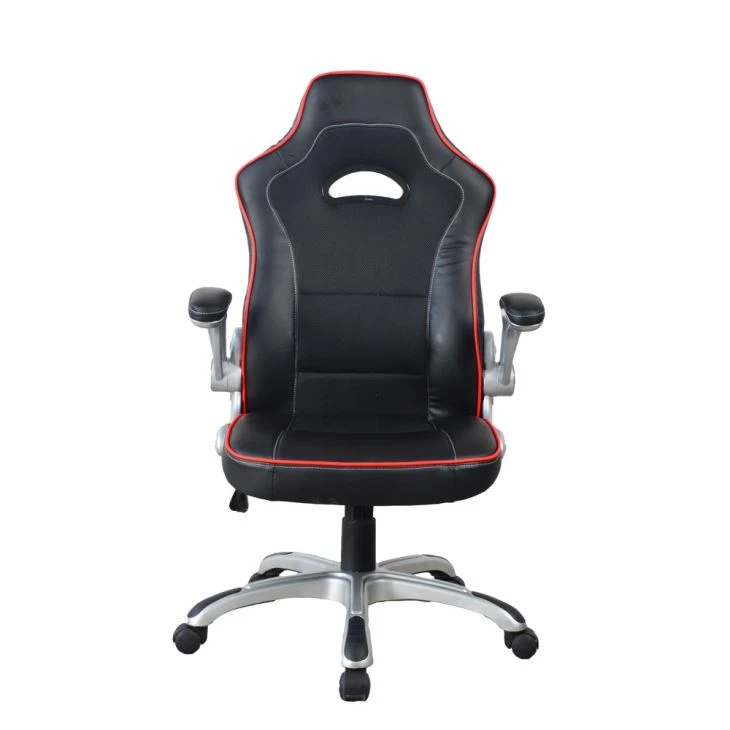
If you're looking to enhance your gaming setup, we offer a range of high - quality gaming chairs. Check out our Y - 2859 High Quality Black Leather Computer Desk Chair for Boss / Manager, which provides excellent support and comfort during long gaming sessions. Our Y - 2652 High Quality Popular PC Video Racing Game Chair is designed specifically for racing game enthusiasts. And for those who want a more ergonomic option, our Gaming Chair E - sport Racer Seat Office Chair Reclining Ergonomic Leather Racing Chair Y - 2895A is a great choice.

Contact for Purchase and Negotiation
If you're interested in purchasing our gaming desks or related products, we're here to assist you. Whether you're a retailer looking to stock our products or an individual gamer in need of a high - quality setup, we welcome you to contact us for detailed information and negotiation. We're committed to providing the best products and services to meet your gaming needs.
References
- General knowledge about RGB lighting maintenance from industry experience.
- Manufacturer's guidelines for RGB lighting cleaning.


