












Hey there! As an office chair supplier, I've seen firsthand how a properly adjusted office chair can make a world of difference in your workday. Not only does it enhance comfort, but it also boosts productivity and helps prevent those pesky back and neck issues. So, let's dive into how you can adjust an office chair properly.
Seat Height
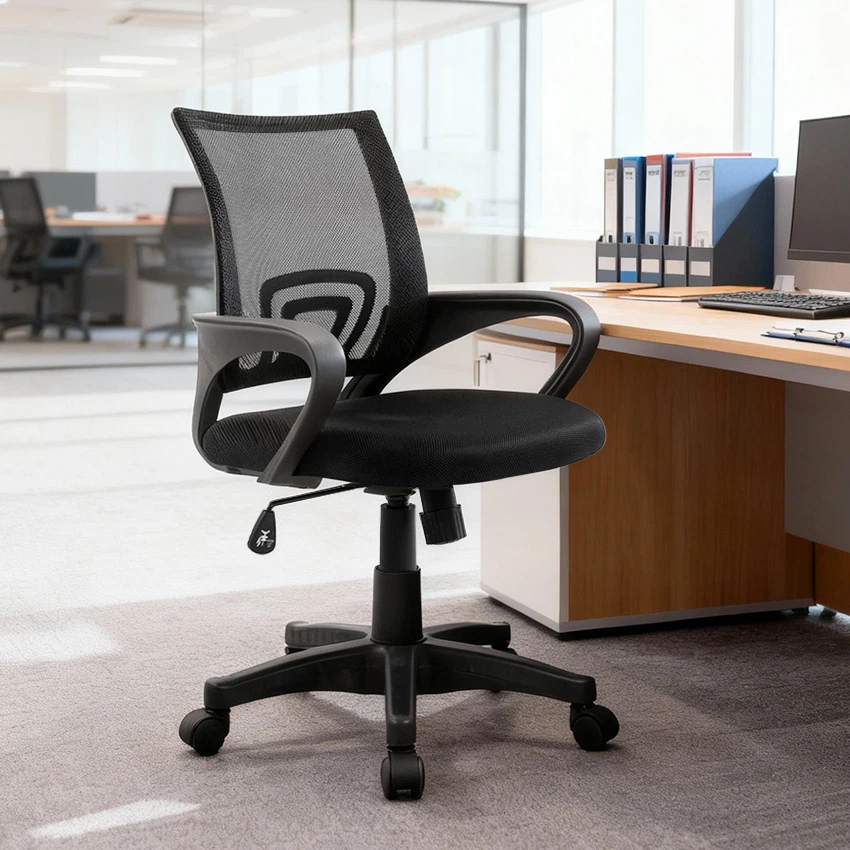
The first thing you need to get right is the seat height. You want your feet to rest flat on the floor with your knees bent at a 90-degree angle. This helps maintain proper blood circulation and reduces strain on your lower back. Most office chairs have a lever under the seat that you can use to adjust the height. Simply pull the lever up to raise the seat and push it down to lower it.
If you're using a Y-2834 New Design Luxurious Blue Leather Chair, you'll find that its height adjustment mechanism is smooth and easy to operate. This chair is not only stylish but also designed with your comfort in mind.
Seat Depth
Next up is the seat depth. You should be able to sit all the way back in the chair with your back against the backrest and still have about two to three fingers' width of space between the back of your knees and the front edge of the seat. This ensures that your legs aren't being cut off and that you're sitting in a comfortable position.
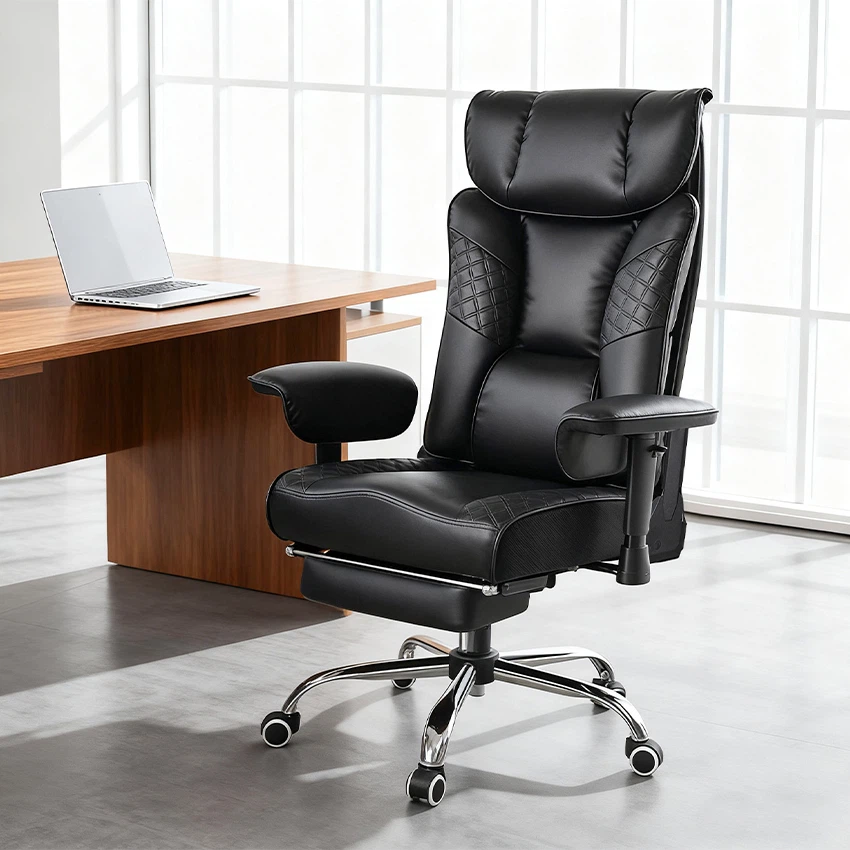
Some chairs, like the Y-2761 High Back PU Recliner Chair With Armrest Adjustable Manager Chair, come with an adjustable seat depth feature. You can usually find a lever or knob on the side of the chair to make this adjustment.
Backrest Angle
The backrest angle is crucial for maintaining good posture. You want to be able to lean back slightly, around 100 to 110 degrees, to take the pressure off your lower back. Most office chairs have a tilt mechanism that allows you to adjust the backrest angle. You can usually find a lever under the seat or on the side of the chair to control the tilt.

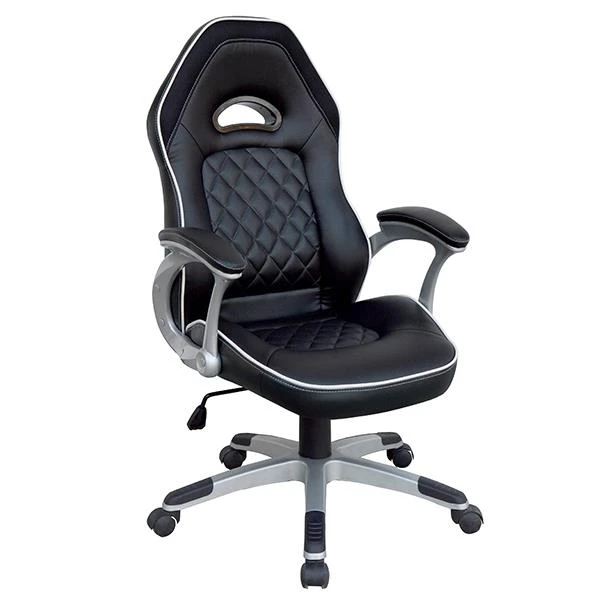
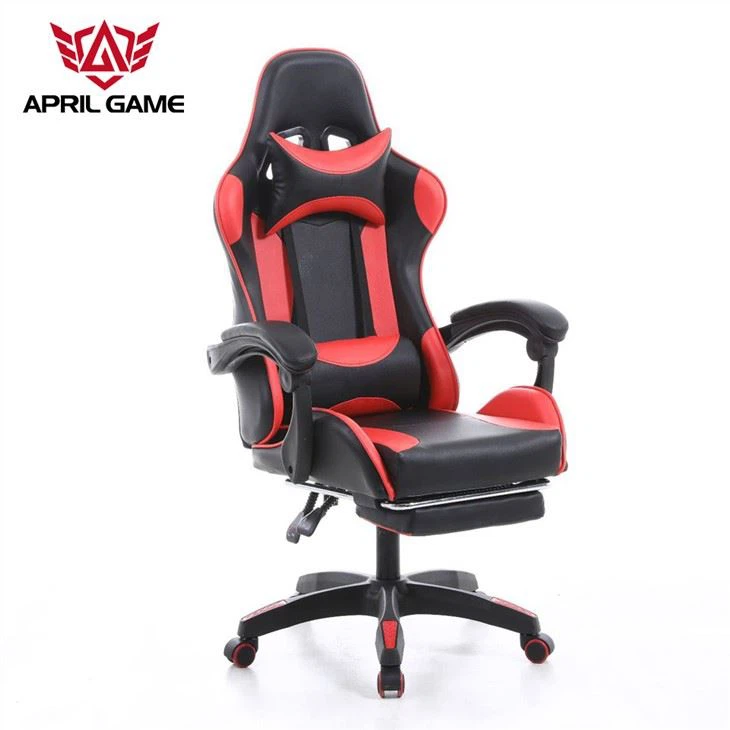
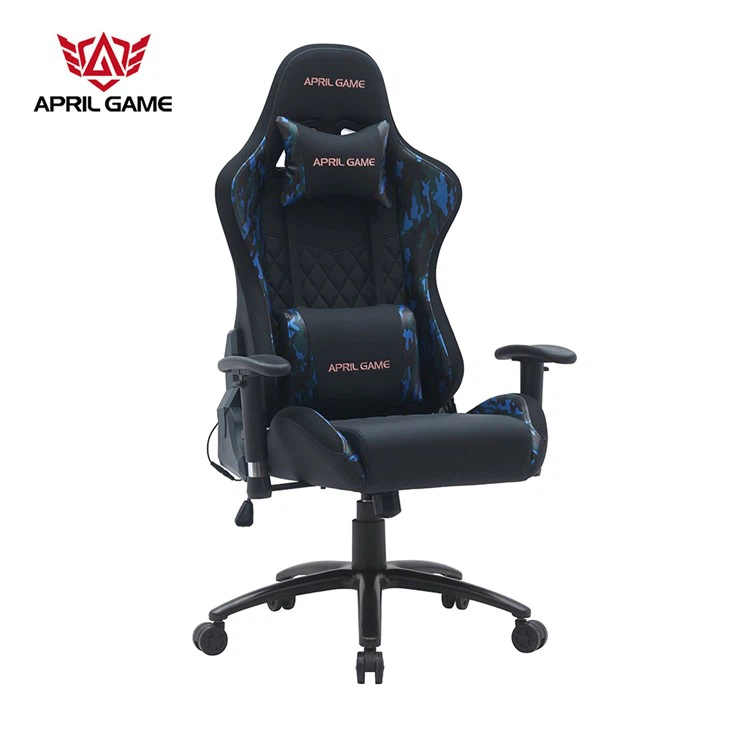
The Y-2729 Racing office chair racer sport chair gaming chair executive chair computer chair has a great tilt function that lets you find the perfect angle for your comfort. Whether you're working hard or taking a short break, you can adjust the backrest to suit your needs.
Armrest Height
Armrests are important for reducing shoulder and neck strain. You want your arms to rest comfortably on the armrests with your elbows bent at a 90-degree angle. Most office chairs have adjustable armrests that you can raise or lower to achieve this position. You can usually find a lever or knob on the side of the armrest to make the adjustment.
Lumbar Support
Lumbar support is essential for maintaining the natural curve of your spine. Look for a chair that has adjustable lumbar support so you can customize it to fit your back. You can usually find a knob or lever on the backrest to adjust the lumbar support.
Headrest (if applicable)
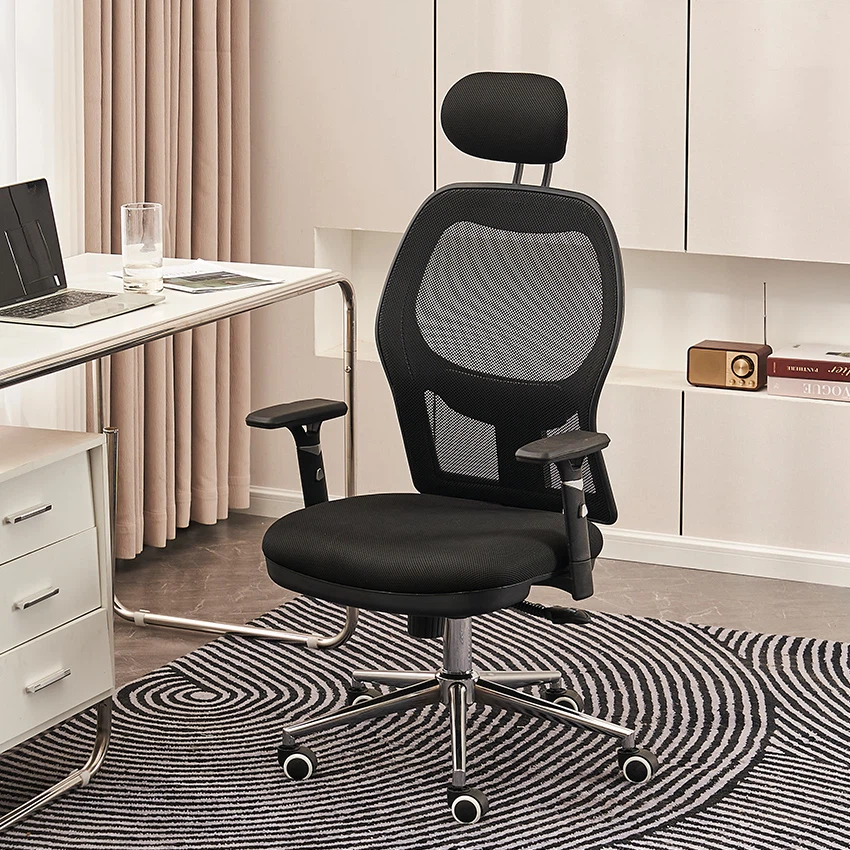
If your chair has a headrest, make sure it's adjusted to the right height. You want the headrest to support the back of your head and neck when you lean back. You can usually adjust the height of the headrest using a lever or knob on the backrest.
Additional Tips
- Take breaks: No matter how well-adjusted your chair is, it's important to take regular breaks and get up and move around. This helps prevent stiffness and fatigue.
- Use a footrest: If your feet don't reach the floor, a footrest can help you maintain proper posture and reduce strain on your lower back.
- Test the chair: Before you buy a chair, make sure you test it out to see if it's comfortable and adjustable. Sit in the chair for a few minutes and make all the necessary adjustments to see if it meets your needs.
In conclusion, adjusting an office chair properly is essential for your comfort and health. By following these tips, you can find the perfect position for your chair and enjoy a more productive and pain-free workday.
If you're in the market for a new office chair, we have a wide range of options to choose from. Whether you're looking for a luxurious leather chair, a high back recliner, or a racing-style chair, we've got you covered. Contact us to discuss your needs and let's find the perfect chair for you!
References:
- Ergonomics in the Workplace: A Guide to Preventing Musculoskeletal Disorders
- Office Chair Buying Guide: What to Look For


