

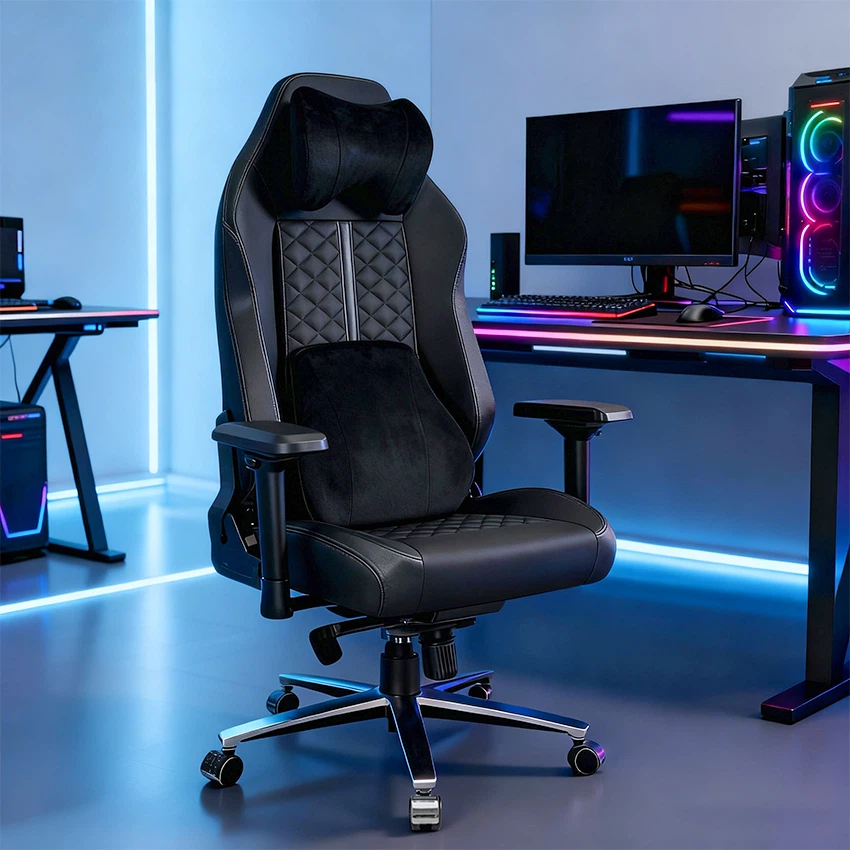

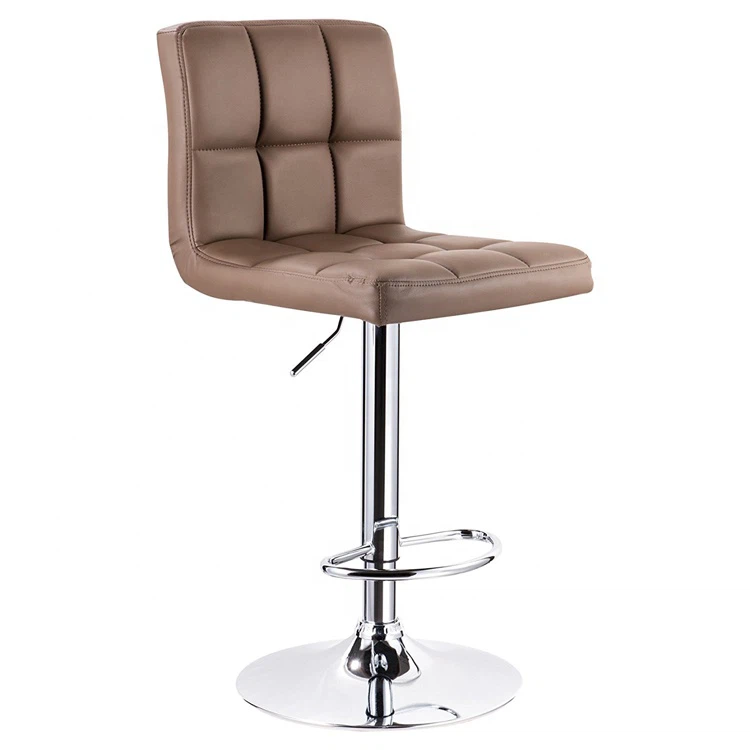


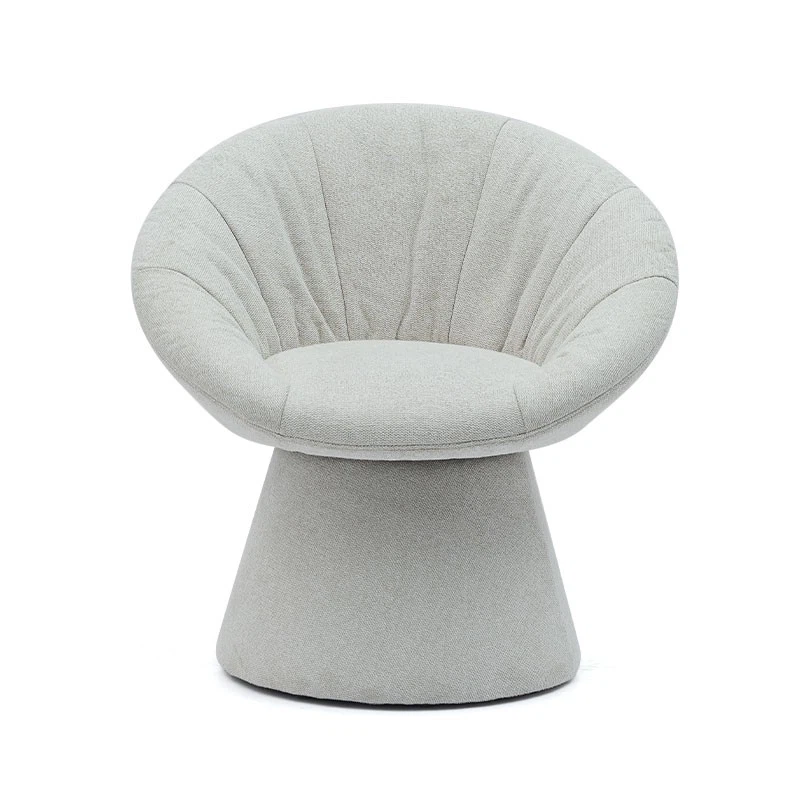
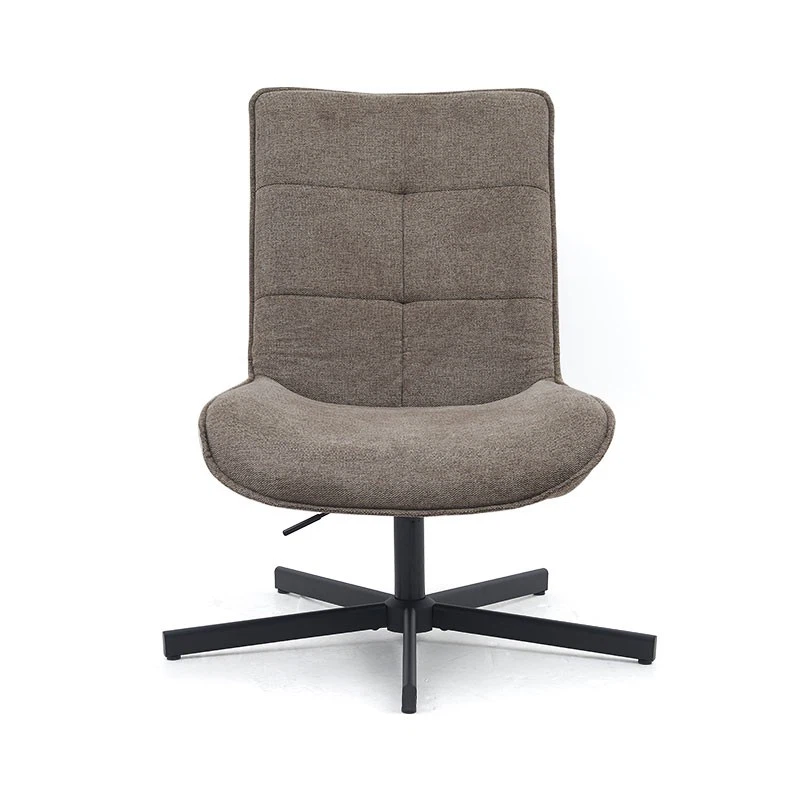





Hey there, fellow gamers! As a supplier of top - notch gamer chairs, I know how frustrating it can be when your trusty gaming throne starts acting up. But don't worry, I'm here to guide you through some common problems and how to troubleshoot them.

Squeaking Noises
One of the most annoying issues you might face with your gamer chair is that high - pitched squeaking sound. It can really break your concentration during an intense gaming session.
The first thing you should check is the joints. Over time, the bolts and screws in the joints of your chair can loosen up. Grab a screwdriver and give all the visible bolts a gentle tighten. Make sure not to over - tighten them, though, as that could damage the chair.
If the squeaking persists, it might be coming from the wheels. Dirt and debris can get stuck in the wheel mechanisms, causing friction and that annoying noise. Take a damp cloth and clean the wheels thoroughly. You can also try applying a small amount of lubricant to the moving parts of the wheels.
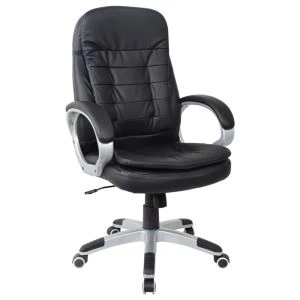
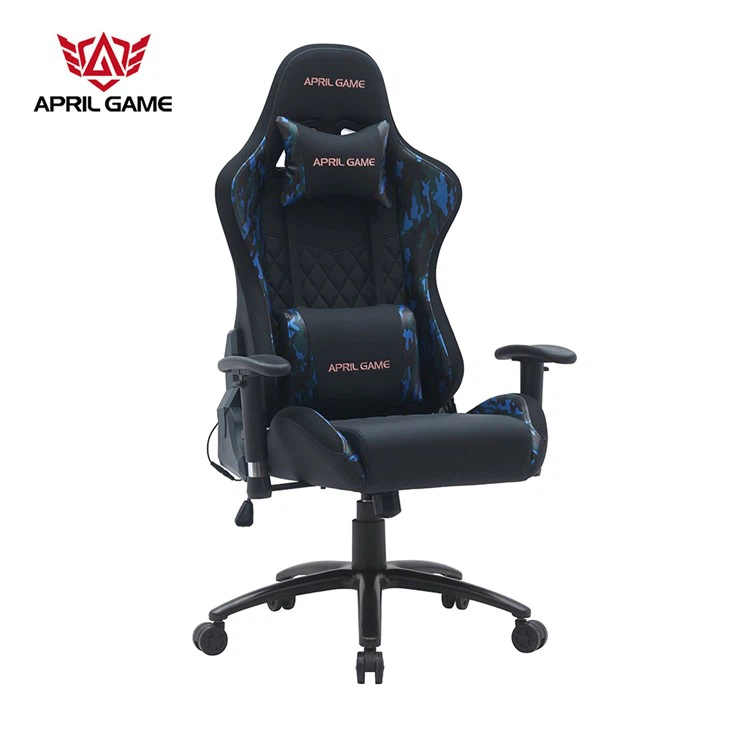
For example, if you own our Y - 1860 modern fashionable black swivel lift leather office chair, these steps should work wonders in getting rid of those pesky squeaks.
Chair Won't Adjust Properly
Another common problem is when your chair refuses to adjust its height or tilt. If the height adjustment isn't working, the first thing to check is the gas lift. The gas lift is what allows your chair to go up and down. Sometimes, it can get clogged or damaged.
First, make sure the chair is on a flat surface. Then, try pumping the chair up and down a few times. If it still doesn't work, there might be an issue with the gas lift itself. In this case, it's best to contact a professional or, if it's still under warranty, reach out to us.
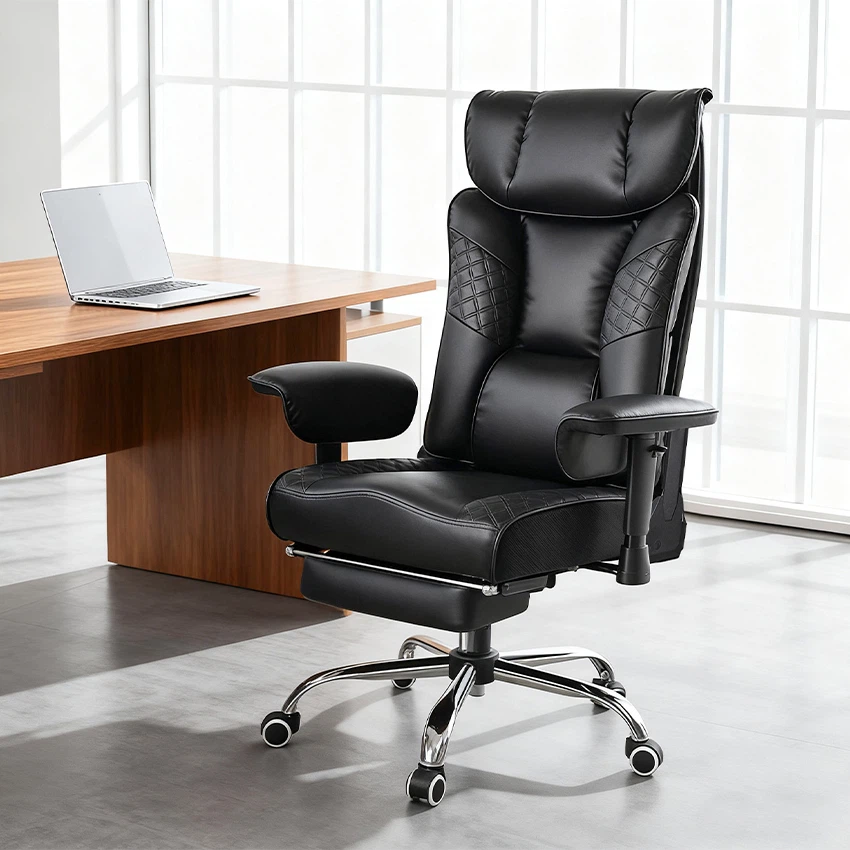
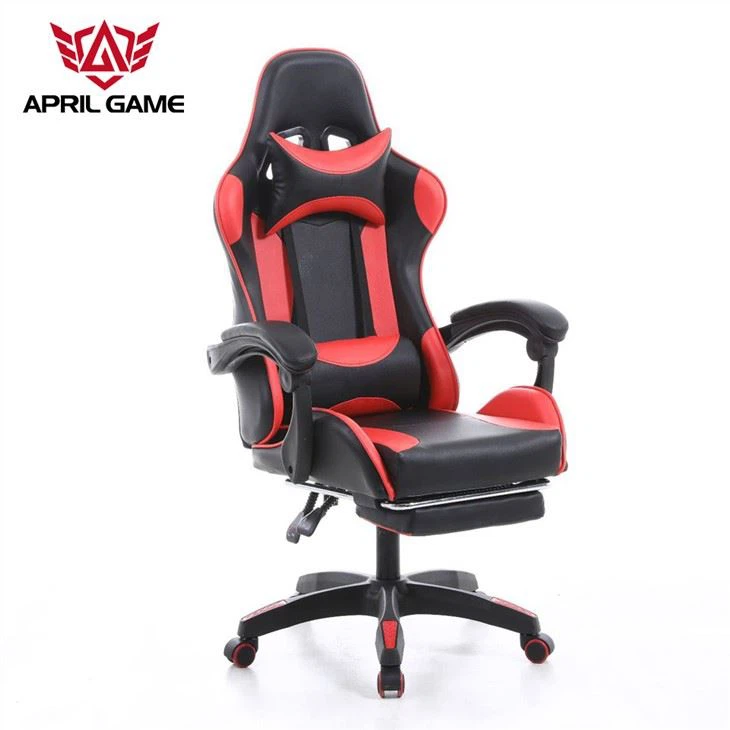
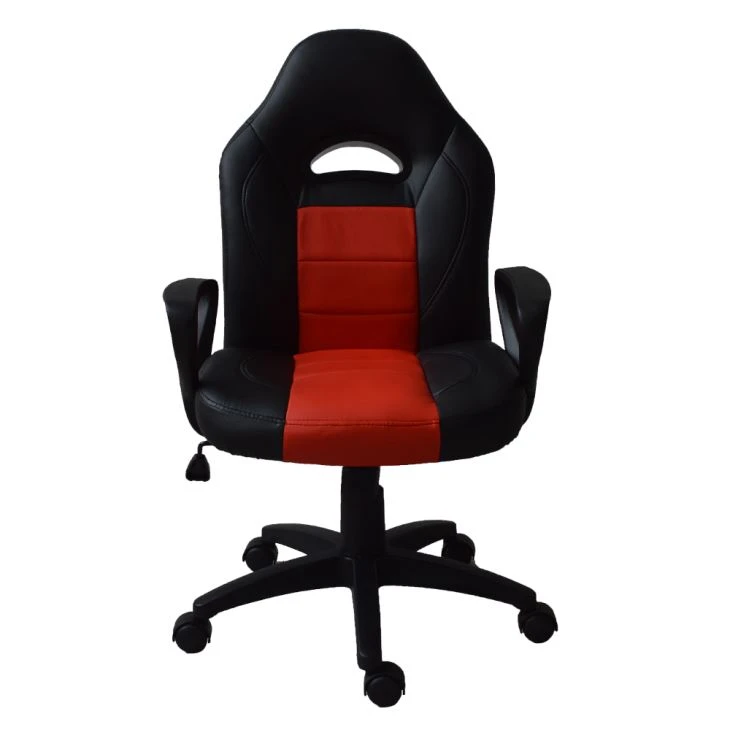
When it comes to the tilt adjustment, check the locking mechanism. It could be that the lock is stuck or not engaging properly. Try unlocking and locking the tilt a few times to see if it starts working again. If you're using our Y - 2838S Quality High Back Red and White Office Racing Chair, a faulty tilt adjustment can be really annoying, but these troubleshooting steps should help.
Uncomfortable Padding
If you find that the padding on your chair has become uncomfortable over time, there are a few things you can do. First, check for any signs of wear and tear. If the padding is lumpy or compressed in some areas, you might be able to fluff it up. For foam padding, you can try gently kneading it to redistribute the foam.
If the padding is really worn out, you could consider adding an extra cushion. There are many aftermarket cushions available that can provide additional support and comfort. You can also check if the manufacturer offers replacement padding.
Broken Wheels
Broken or damaged wheels can make it difficult to move your chair around. If a wheel has come off, try to reattach it. Most wheels are designed to be easily removable and reattachable. Just line up the wheel with the socket on the chair base and press it firmly until it clicks into place.
If the wheel is cracked or otherwise damaged, you'll need to replace it. You can order replacement wheels from us or from other suppliers. Make sure to get the right size and type of wheel for your chair.
Lack of Lumbar Support
Good lumbar support is crucial for long gaming sessions. If you feel like your chair's lumbar support isn't up to par, you can try adjusting the lumbar support mechanism if your chair has one. Some chairs allow you to move the lumbar support up and down or forward and backward.
You can also use a lumbar support pillow. There are many different types available, from simple foam pillows to more advanced adjustable ones. This can be a great solution, especially if you're using a chair like our April Game Computer Desk combination, where proper seating support is essential.
Cleaning and Maintenance
Regular cleaning and maintenance can prevent a lot of problems from occurring in the first place. Use a mild cleaner and a soft cloth to clean the leather or fabric of your chair. Avoid using harsh chemicals that could damage the material.
For the wheels and other metal parts, you can use a metal cleaner to keep them looking shiny and prevent rust. And don't forget to vacuum the chair regularly to remove any dirt and debris.
When to Seek Professional Help
Sometimes, the problem with your gamer chair might be too complex for you to fix on your own. If you've tried all the troubleshooting steps and the chair still isn't working properly, it's time to seek professional help. You can also contact us as your supplier. We have a team of experts who can provide further assistance and advice.
We understand that a well - functioning gamer chair is essential for your gaming experience. That's why we're committed to providing high - quality chairs and excellent customer service. If you're in the market for a new gamer chair or have any questions about our products, don't hesitate to contact us for procurement and further discussions. We're here to help you find the perfect chair for your needs.
References
- General knowledge from the furniture manufacturing and maintenance industry.
- Experience gained from dealing with customer inquiries about gamer chair problems.