













Hey there! As an office chair supplier, I get a ton of questions from customers about all sorts of things related to office chairs. One of the most common queries is how to adjust the armrest height of an office chair. It might seem like a small thing, but getting the armrest height right can make a huge difference in your comfort and productivity during those long work hours. So, let's dive into it!
First off, why is adjusting the armrest height so important? Well, when your armrests are at the correct height, they help support your arms and shoulders, reducing strain and fatigue. This can prevent all sorts of issues like neck pain, shoulder stiffness, and even carpal tunnel syndrome. On the other hand, if your armrests are too high or too low, you'll end up hunching your shoulders or straining your arms, which can lead to discomfort and long - term health problems.
Now, different office chairs have different ways of adjusting the armrest height. Let's start with the most common types.
Pneumatic Armrest Adjustment
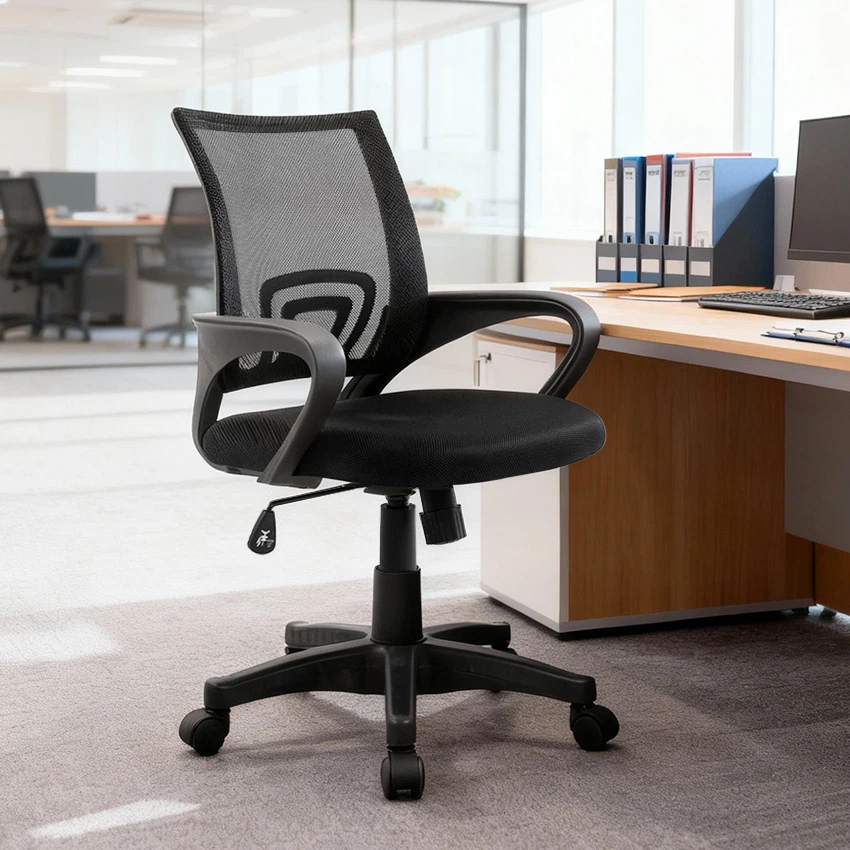
Many modern office chairs, like our Y - 1814 Short Back Swivel Office Chair Mesh Chair China Supplier Office Furniture, come with a pneumatic armrest adjustment mechanism. This is usually a lever or a button located on the side of the armrest or under the seat.
To adjust the armrest height using a pneumatic mechanism:
- Sit in the chair in your normal working position. Make sure your feet are flat on the floor and your back is straight against the backrest.
- Locate the adjustment lever or button. It might be labeled, but if not, it's usually a small, easy - to - reach lever.
- Press or pull the lever while gently lifting or lowering your armrest to the desired height. You'll feel a smooth, fluid movement as the air in the pneumatic cylinder allows the armrest to move up or down.
- Once you've reached the right height, release the lever. The armrest should stay in place.
Screw - Type Armrest Adjustment
Some older or more basic office chairs, like the Y - 2725 Bifma Black PU High Back Cheap Swivel Chair Office Chair Accent Chair, use a screw - type adjustment. This is a bit more manual, but it's still pretty straightforward.
Here's how to do it:
- Again, sit in the chair in a proper working position.
- Look for the screw on the side or bottom of the armrest. It might be covered by a small cap that you can pop off.
- Use a screwdriver (usually a Phillips or flat - head, depending on the screw) to turn the screw. Turning the screw clockwise will usually raise the armrest, while turning it counter - clockwise will lower it.
- Make small adjustments and test the height as you go. Keep turning the screw until you find the perfect height.
- Once you're happy with the height, make sure the screw is tightened so the armrest doesn't move around.
Tool - Free Click - In Armrest Adjustment
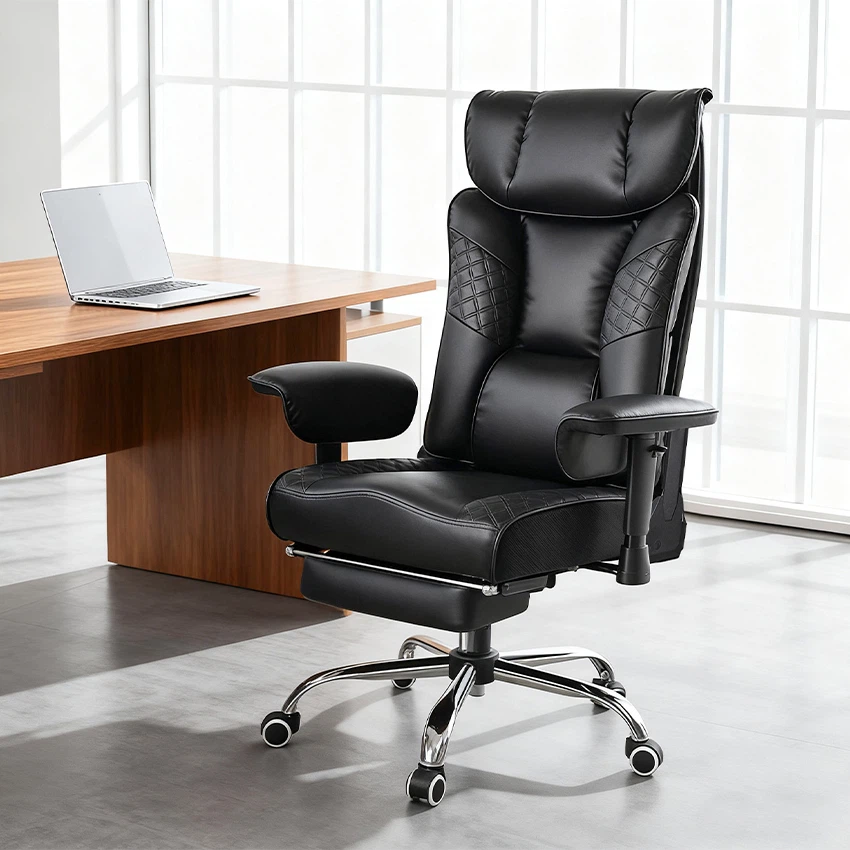
Our Y - 2859 High Quality Black Leather Computer Desk Chair for Boss / Manager features a tool - free click - in armrest adjustment system. This is super easy to use, even for those who aren't very handy.
Here's the process:


- Sit in the chair and get comfortable.
- Look for the small tabs or buttons on the armrest support. These are usually located near the base of the armrest.
- Press the tabs or buttons to release the armrest from its current position.
- Lift or lower the armrest to the height you want. You'll feel a series of clicks as you move the armrest. These clicks indicate the different height settings.
- Once you've found the right height, release the tabs or buttons. The armrest will click back into place.
Finding the Right Height
Now that you know how to adjust the armrest height, how do you know what the right height is? Here are some general guidelines:
- Your elbows should be at a 90 - degree angle when your hands are resting on the desk. This means that the armrest height should be about the same as the height of your desk surface.
- You should be able to rest your forearms on the armrests without having to hunch your shoulders or lift your elbows. Your shoulders should be relaxed and your arms should hang naturally.
- If you use a keyboard and mouse, make sure the armrest height allows you to type and click without any strain. You might need to make a few small adjustments as you test different tasks.
Troubleshooting
Sometimes, you might run into a few issues when adjusting the armrest height. Here are some common problems and their solutions:
- Armrest won't move: If the armrest is stuck and won't move, check if there's any debris or dirt blocking the adjustment mechanism. Clean the area around the lever, button, or screw with a soft cloth. If it's a pneumatic mechanism, there might be a problem with the air cylinder. In this case, it's best to contact our customer support for further assistance.
- Armrest keeps slipping: If the armrest doesn't stay in place after you've adjusted it, it could be a problem with the locking mechanism. For screw - type adjustments, make sure the screw is tightened properly. For pneumatic or click - in mechanisms, there might be a worn - out part. Again, reach out to us, and we'll help you fix it.
Final Thoughts
Adjusting the armrest height of your office chair is an important step in creating a comfortable and healthy workspace. By following these simple steps, you can customize your chair to fit your body perfectly. And remember, if you have any questions or need more help, we're here for you.
As an office chair supplier, we're committed to providing high - quality chairs and excellent customer service. Whether you're looking for a basic, budget - friendly chair or a top - of - the - line executive chair, we've got you covered.
If you're interested in purchasing an office chair or have any questions about our products, don't hesitate to reach out. We'd love to have a chat with you and help you find the perfect chair for your needs. Let's work together to make your office a more comfortable and productive place!
References
- Ergonomics Guidelines for Office Workstations, Occupational Safety and Health Administration (OSHA)
- Office Chair User Manuals, Our Company's Documentation